

- cross-posted to:
- foss@beehaw.org
- cross-posted to:
- foss@beehaw.org
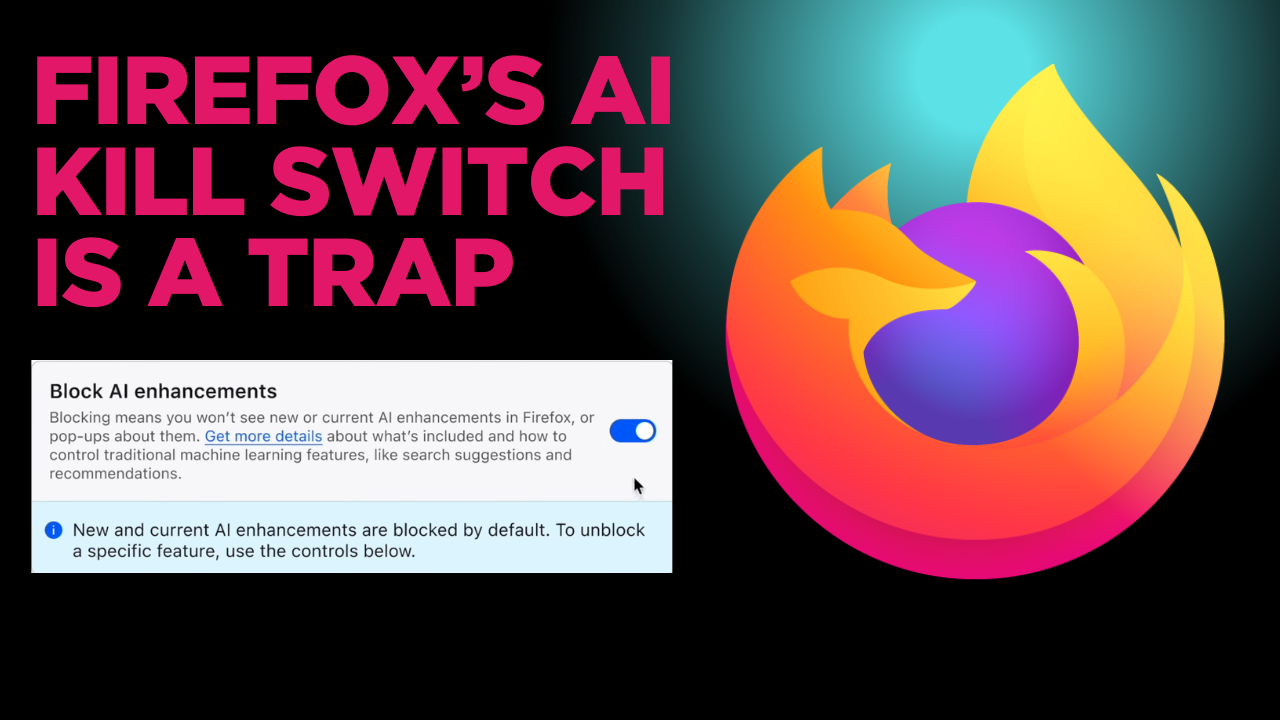
TL;DR: Mozilla recently released AI controls for Firefox: a single control panel that lets people disable AI features in the browser or pick and choose which to leave on. On the surface, this sounds like a win for user choice in an era of AI-everything.
If we dig deeper, you can start to see that the kill switch isn’t the whole story. This feature acts like an accountability sink. By giving you an off-switch, Mozilla’s leadership shifts the ethical burden of AI onto the user - turning their design choices into your responsibility.
xactly. or why even fork. just start building a new browser writing straight assembly or better yet bro code it with ai.
The source code is there. Why reinvent the wheel. Its like 2 or 3 commands to build it.
oh building it straight up removes the ai? do builds ever fail? what are the three commands. I won’t need specific libraries or other requirments for my os yeah?
Ezpz
Download source Delete ai commits Install deps per Firefox and OS docs Build per Firefox and OS docs
Now you won’t ever have to worry about it.
Better yet, install Tor Browser or Mullvad browser and save yourself from typing 3 command lines.
im already moving to either waterfox or librefox. comes down to if my addons have any issue with either. hoping waterfox as I already sorta have waterfox for a specific setup I don’t want to change.
Ah well I wish you luck with the fingerprint issues with those two browsers. Weird to care about AI being in your browser but not about that, but I guess its better than Chrome.
thanks. You have good luck with it to.
What fingerprint issues are you aware of?
https://github.com/BrowserWorks/waterfox
Search “fingerprint” on the issues page.
Could you link to a real issue so we aren’t guessing about what we are looking at?