If you don’t want it, you can hide it — most distros have some way to just show a splash screen that hides it. I always unhide it, as I can see hints of things going wrong.
The messages are from a wide variety of kernel subsystems (and, later in the boot process, daemons) and most people aren’t going to be familiar with everything. I could tell you what a lot of lines mean, but there are always new ones showing up as new software is written.
They’re more-likely to be useful if something breaks and then you go examine a specific, suspicious-looking message and learn what it means. You probably won’t be constantly trying to stay up on all kernel subsystems.
Even if you don’t understand every line, if the system hangs or just takes an unusually long time to boot, you’ll be able to see what it’s getting stuck on. And even if you don’t understand that, you can google DDG the message and find out what it’s doing, maybe figure out what’s taking so long, what’s wrong, and how to fix it.


If you don’t want it, you can hide it — most distros have some way to just show a splash screen that hides it. I always unhide it, as I can see hints of things going wrong.
The messages are from a wide variety of kernel subsystems (and, later in the boot process, daemons) and most people aren’t going to be familiar with everything. I could tell you what a lot of lines mean, but there are always new ones showing up as new software is written.
They’re more-likely to be useful if something breaks and then you go examine a specific, suspicious-looking message and learn what it means. You probably won’t be constantly trying to stay up on all kernel subsystems.
Yes!
Even if you don’t understand every line, if the system hangs or just takes an unusually long time to boot, you’ll be able to see what it’s getting stuck on. And even if you don’t understand that, you can
googleDDG the message and find out what it’s doing, maybe figure out what’s taking so long, what’s wrong, and how to fix it.And even if you don’t care, if you have an old machine booting from a HDD, the process at least isn’t so boring.
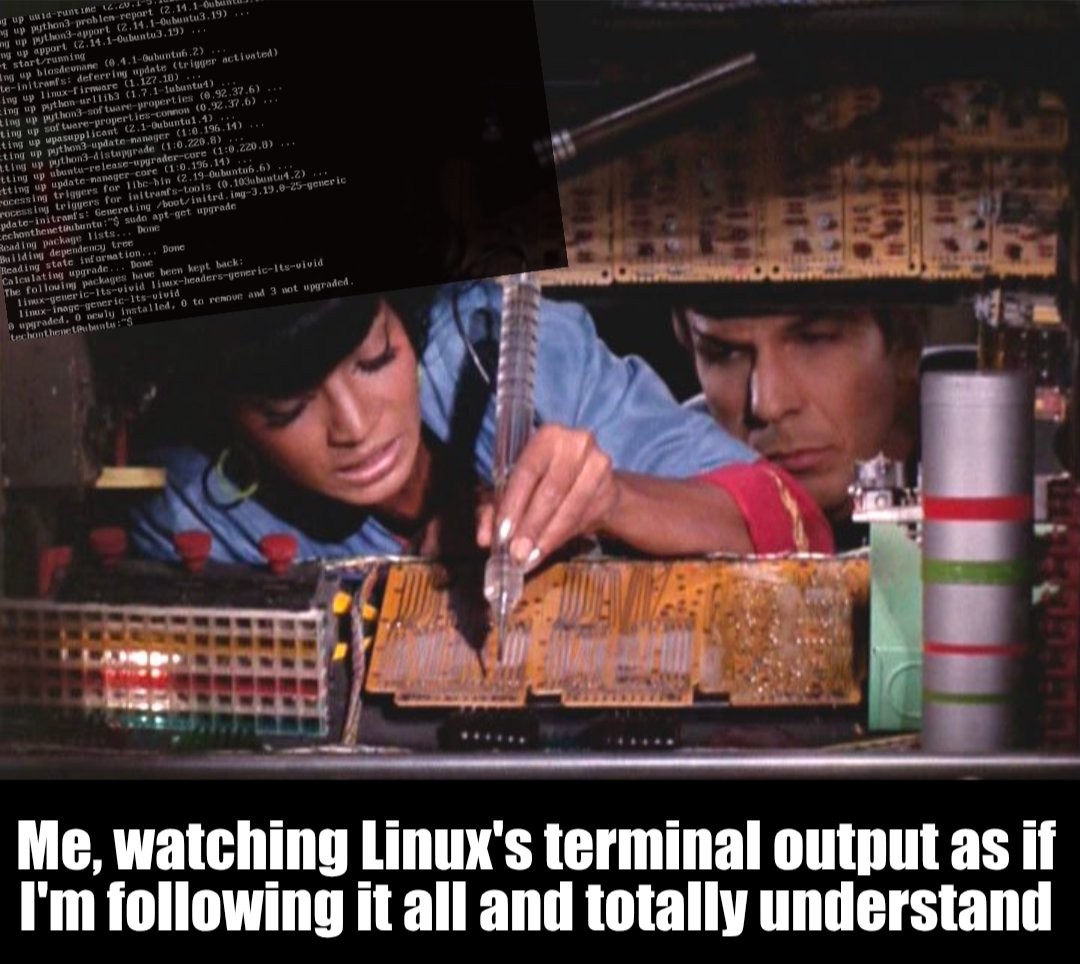
^This comment is talking about the deluge of log messages you may or may not see (depending on the distro) while booting the system.
Just thought I’d add that, since the meme doesn’t actually mention booting. Not sure, where you got that from. 😅
In fact, the image in the meme shows an Ubuntu system installing updates using
apt.